3 Easy-To-Use Online Colour Tools for Your Designs
Thanks to the ever-expanding internet, there is no scarcity of online colour tools. All of them offer colour palettes to help you with your designs, but my preference are those unique sites that are intuitive and present the information clearly. Here are three of my favourites.
Picataculous
I usually begin my creations with a theme in mind, perhaps I’m inspired by a vintage advertisement or movie poster. Pictaculous.com comes in very handy once I know what I’m aiming for. Upload a photo to the site and it generates a set of colours from your image and offers palettes that work well with those colours. I love the colours the site pulled from the Jaws poster, in the image below.
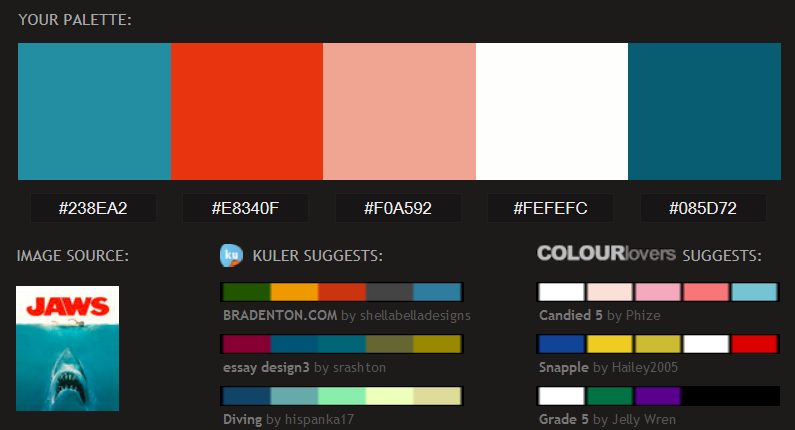
Screenshot from Pictaculous
Try it out at www.pictaculous.com.
Coolors
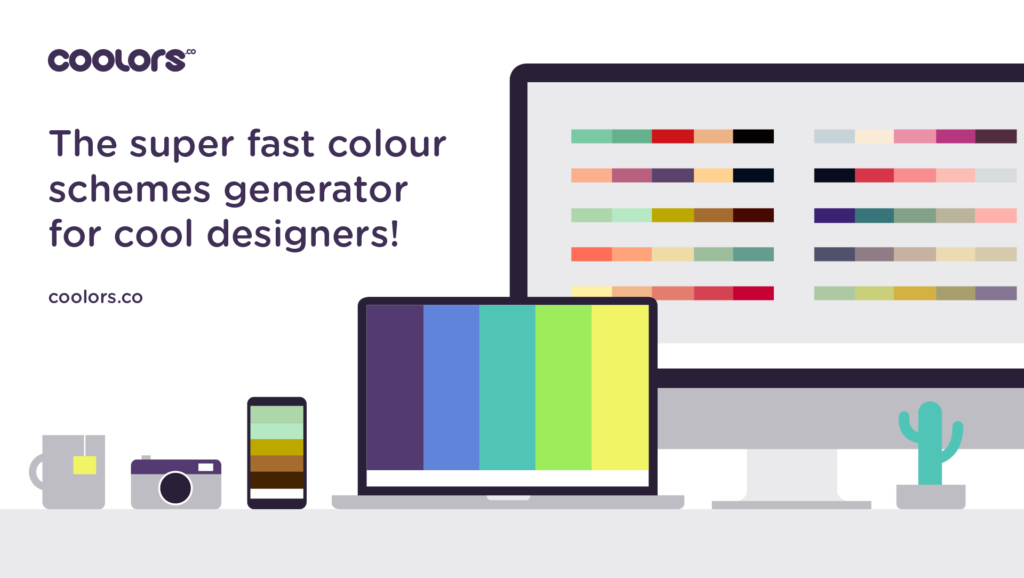
If you’re like me, not always certain about how to best use colour to create visual harmony in your web or graphic designs, then Coolors.com is a godsend.
Web designer and app developer Fabrizio Bianchi has created a cool online tool to help us find complementary colour schemes.
His simple, user-friendly generator offers an array of preprogrammed palettes.
Have a specific colour in mind for a project? Input the RGB colour code (HSB, CMYK or Pantone also available), lock it, hit the space bar, and the generator will suggest 4 other colours that go well together.
Try the cleverly-named tool at http://coolors.co/.
ColorHexa
Another site I find useful when working with various shades of colour is ColorHexa.com.
I usually use it in conjunction with Coolors and Pictaculous. After I’ve decided on some colours, I like to know what to call them.
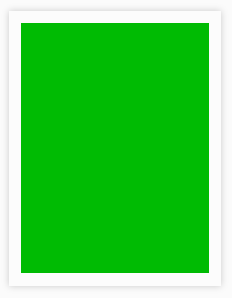
Screenshot from ColorHex
For example, according to ColorHex the colour above (#00bb03) isn’t just any ordinary green, it’s a strong lime green.
Along with a description name of the colour you’ve just created, the site offers an abundance of valuable info like colour conversions, schemes, tints, and tones.
Try it out at http://www.colorhexa.com/.
SHARING IS CARING: